When you’re planning a trip to Tokyo, there’s one thing you’ll absolutely need to sort out: how to get around smoothly. You’re going to hear a lot about Suica and Pasmo cards, two popular IC cards used across Tokyo’s public transport. So, which one should you choose? Let’s clear things up!
Suica vs Pasmo: What’s the Deal?
Honestly, Suica and Pasmo are almost identical in functionality. You can use either one for trains, buses, metros, and even to buy snacks at convenience stores or drinks from vending machines all over Japan. Both are easy to recharge and widely accepted. The difference mainly comes down to how easy it is to integrate them digitally, especially if you’re using a mobile phone.
Using Suica or Pasmo on iPhone
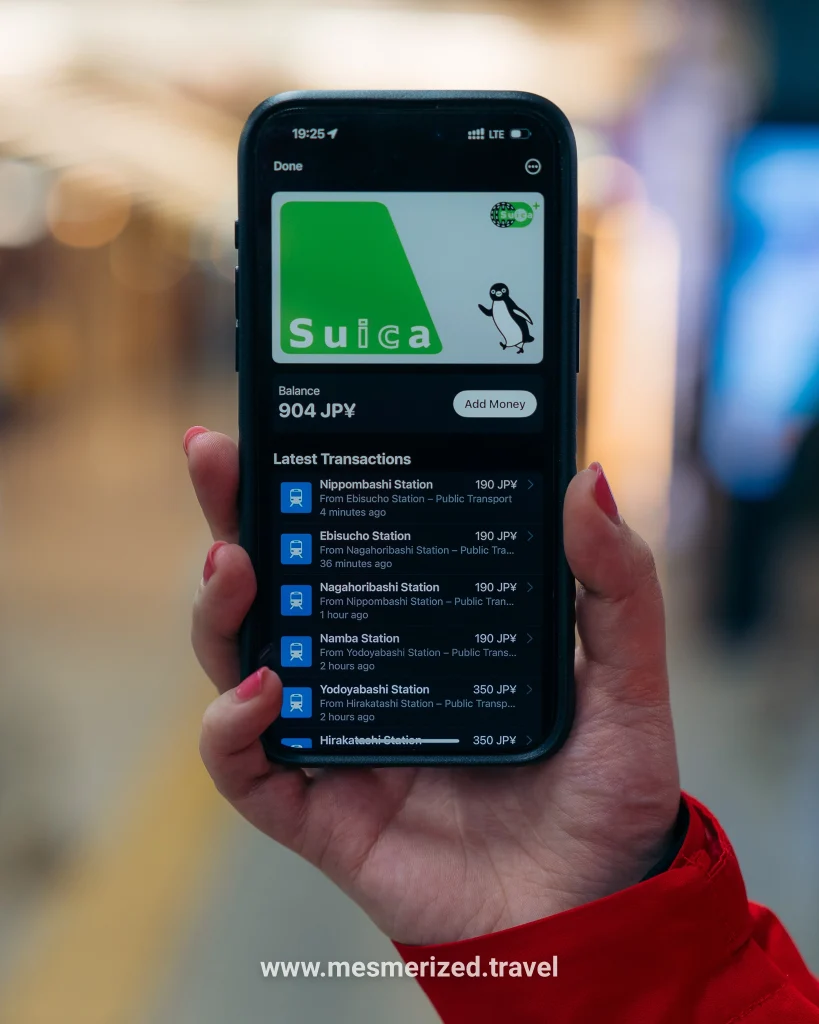
If you have an iPhone, you’re in luck—you can add either Suica or Pasmo directly into your Apple Wallet. Both cards offer the same seamless experience: easy setup, no physical card required, and quick reload via Apple Pay.
Here’s how to set it up:
- Open your Wallet app.
- Tap the + icon in the upper right corner.
- Select Transit Card.
- Choose either Suica or Pasmo from the list.
- Follow the prompts to load money, and that’s it—you’re ready to go!
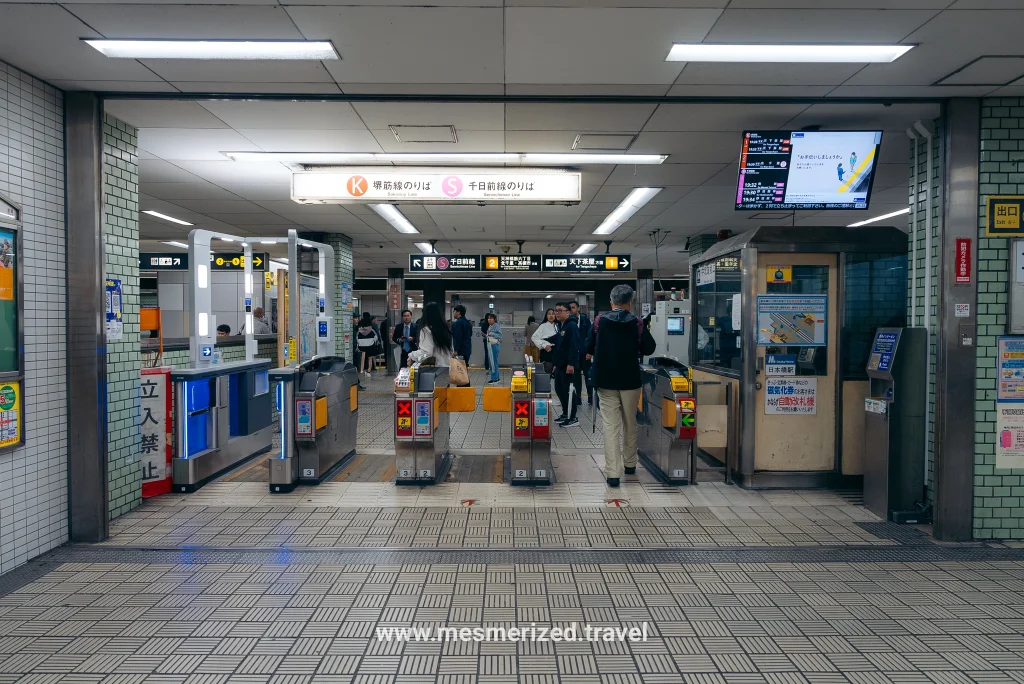
Express Transit mode is enabled automatically, meaning you can just tap and ride without unlocking your phone. If that one is not working, just double click the lock button to activate the Wallet, select Suica and place it on the entrance!
Using Suica or Pasmo on Android
For Android users, the situation is a bit trickier. To add Suica or Pasmo to your Google Wallet, your phone must be a model purchased in Japan that supports the FeliCa chip. Unfortunately, most Android devices bought internationally don’t support digital Suica or Pasmo.
If your Android phone isn’t Japan-specific, you’ll need to stick with the traditional physical card option, available at train stations, airports, and convenience stores.
Where to Buy Physical Suica or Pasmo Cards
You can easily purchase physical Suica or Pasmo cards at:
- Ticket vending machines at nearly any JR or metro station in Tokyo.
- Major airports such as Narita and Haneda upon arrival.
- Station ticket offices and designated counters within stations.
- Convenience stores like FamilyMart or Lawson (but usually not at 7-Eleven).
Which Should You Choose?
If you’re an iPhone user, both Suica and Pasmo are great digital choices, but sometimes I will read online that Pasmo will give you some problems when adding funds to your card. I’ve personally used Suica and had zero problems. So if that helps you, choose Suica.
If you’re an Android user, you’ll likely need a physical card, and again, both Suica and Pasmo will serve you equally well. There really isn’t that much of a difference.
One Last Tip
Whichever card you choose, always keep some extra yen topped up to avoid being caught short during rush hour (it happens!). Enjoy exploring Tokyo stress-free.
Until next time, be mesmerized 💚